Private by default
No telemetry, no forced account, and nonpersistent browsing storage in the current build.
Nimlo exists to give the world a choice: a browser engineered for performance, privacy, local control, AI-free browsing, and the simple pleasure of exploring the web without corporate clutter. The way the web used to be.
Nimlo 0.7 for Apple Silicon
Try the current Nimlo app bundle as a DMG for Apple Silicon Macs. This is an experimental release, not a production browser replacement.
Requires macOS 15 (Sequoia) or newer. Built for M-Series arm64 Macs.
Modern browsers are powerful, but they have also become enormous platforms for ads, accounts, tracking, growth systems, and features many people never asked for.
Nimlo starts small on purpose: a quiet browser shell built in Zig, using the system WebView today while growing user-owned browser features around it over time.
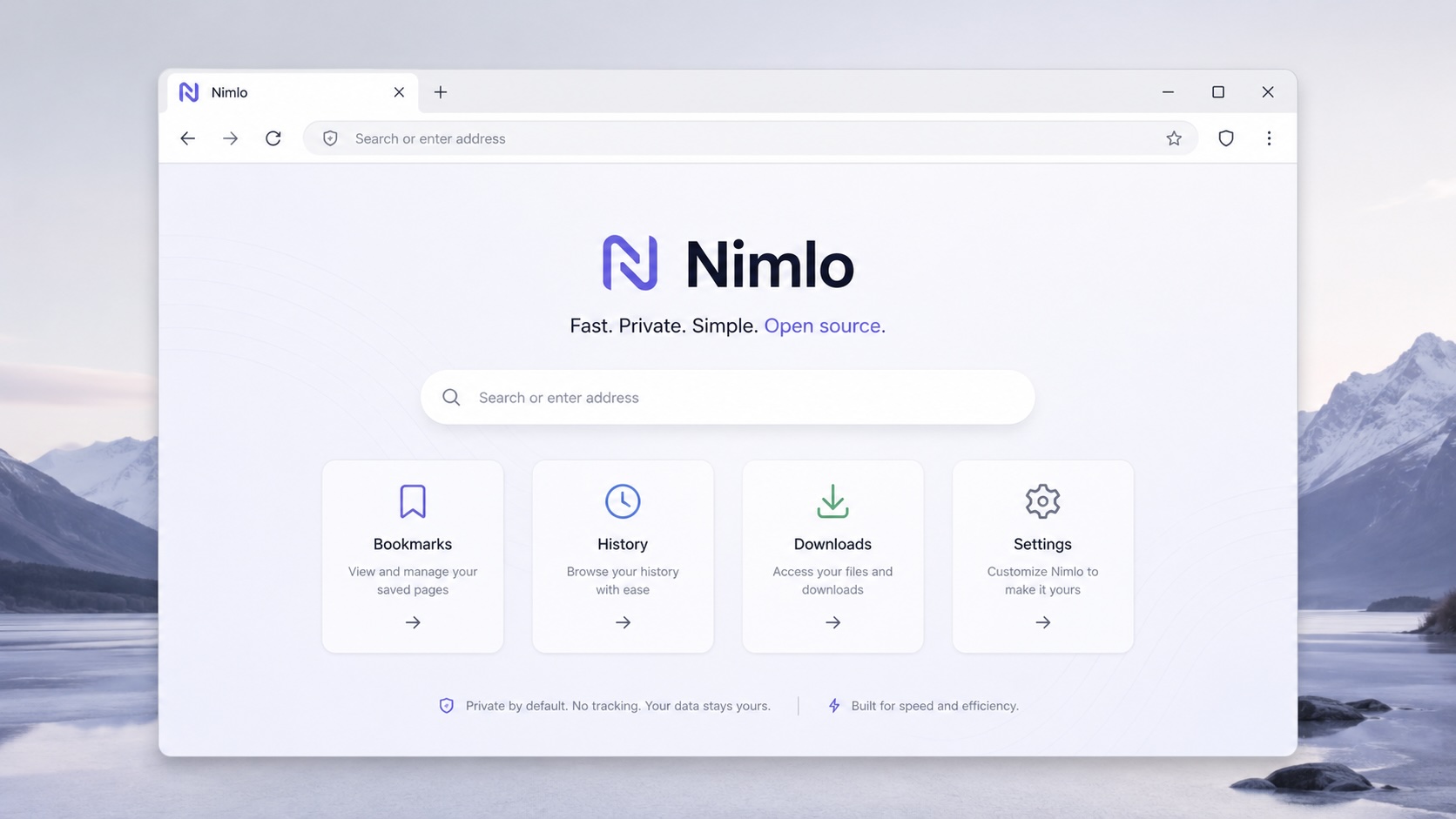
No telemetry, no forced account, and nonpersistent browsing storage in the current build.
The first goal is a readable browser shell with clear boundaries between app, tabs, WebView, and storage.
Nimlo does not try to replace the whole browser engine first. It ships a usable shell and deepens from there.
Nimlo is not a production browser yet. The roadmap starts with a small, reliable shell and then builds local-first browser features around it.
Launches as a macOS app, opens a desktop window, embeds WebKit, loads the start page, and accepts typed URLs.
Address bar, back, forward, reload, stop, and page title updates are in place for everyday navigation.
Nimlo supports new, close, and switch tab flows with independent WebView state and native WebView cleanup.
Common browser commands are available from the menu and keyboard, including tab, navigation, reload, and address focus.
History is persisted, searchable, grouped by day, and supports multi-select actions. Bookmarks are persisted, searchable, tagged, filterable, and support multi-select deletion.
Add tab reordering, detached tabs, multi-window tab movement, and per-window active tab state.
Track downloads, add a
nimlo://downloads page, persist
metadata, open files, and reveal them in
Finder.
Explore uBlock Origin-inspired blocking with filter-list support, URL-level hooks, per-site controls, and WebKit cosmetic filtering research.
Turn the private-mode foundation into a visible incognito experience with private tab/window flows and clear indicators.
Add user-facing controls for search, homepage, downloads, theme, private behavior, content blocking, and local data.